Shortcuts
The same as the question mark’s tooltip, and in the words of the interface: they are the labels of the actions themselves.
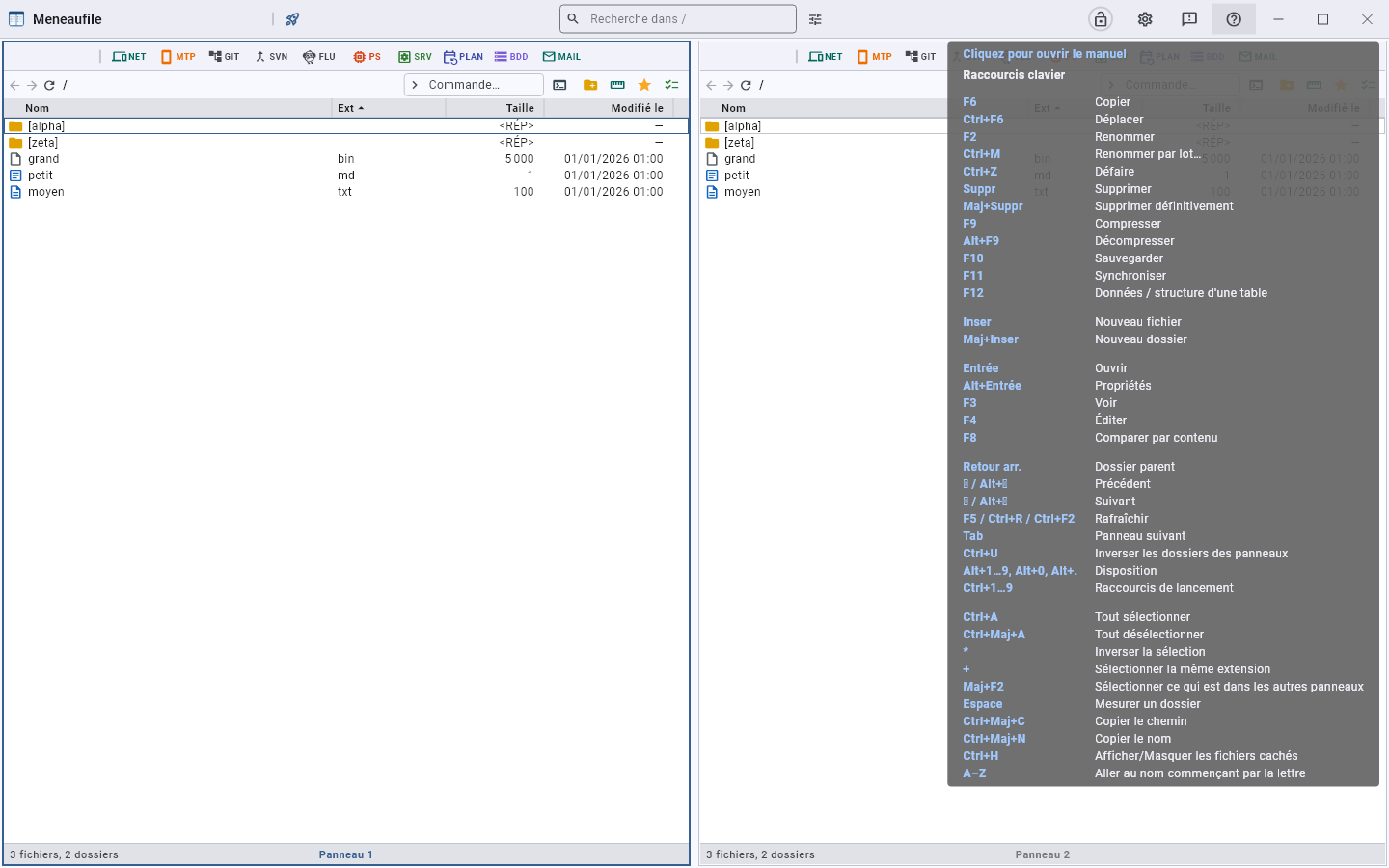 Hovering the question mark, in the title bar.
Act
| F6 | Copy |
| Ctrl+F6 | Move |
| F2 | Rename |
| Ctrl+M | Batch rename… |
| Ctrl+Z | Undo |
| Del | Delete |
| Shift+Del | Delete permanently |
| F9 | Compress |
| Alt+F9 | Decompress |
| F10 | Back up |
| F11 | Synchronise |
| F12 | Table data / structure |
Create
| Insert | New file |
| Shift+Insert | New folder |
Open
| Enter | Open |
| Alt+Enter | Properties |
| F3 | View — or the entry, on a list that shows none |
| F4 | Edit |
| F8 | Compare by content |
Navigate
| Backspace | Parent folder |
| ← / Alt+← | Back |
| → / Alt+→ | Forward |
| F5 / Ctrl+R / Ctrl+F2 | Refresh |
| Ctrl+F | Search in the panel: opens its search bar and puts the cursor in it |
| Tab | Next panel |
| Ctrl+U | Swap the panels’ folders |
| Alt+1…9, Alt+0, Alt+. | Layout |
| Ctrl+1…9 | Launch shortcuts |
Select
| Ctrl+A | Select all |
| Ctrl+Shift+A | Deselect all |
| * | Invert selection |
| + | Select same extension |
| Shift+F2 | Select what the other panels show |
| Space | Measure a folder |
| Ctrl+Shift+C | Copy path |
| Ctrl+Shift+N | Copy the name |
| Ctrl+H | Show/Hide hidden files |
| A–Z | Jump to the name starting with the letter |
Meneaufile manual, in English.
 English
 বাংলা
বাংলা Čeština
 Dansk
Dansk Deutsch
 Español
 Français
 हिन्दी
 Magyar
 Bahasa Indonesia
 Italiano
 日本語
日本語 한국어
한국어 Norsk bokmål
 Nederlands
 Polski
 Português
 Română
 Русский
 Slovenčina
 Slovenščina
 Svenska
 Türkçe
 Tiếng Việt
 中文
中文