 English
 বাংলা
বাংলা Čeština
 Dansk
Dansk Deutsch
 Español
 Français
 हिन्दी
 Magyar
 Bahasa Indonesia
 Italiano
 日本語
日本語 한국어
한국어 Norsk bokmål
 Nederlands
 Polski
 Português
 Română
 Русский
 Slovenčina
 Slovenščina
 Svenska
 Türkçe
 Tiếng Việt
 中文
中文PS — Processes
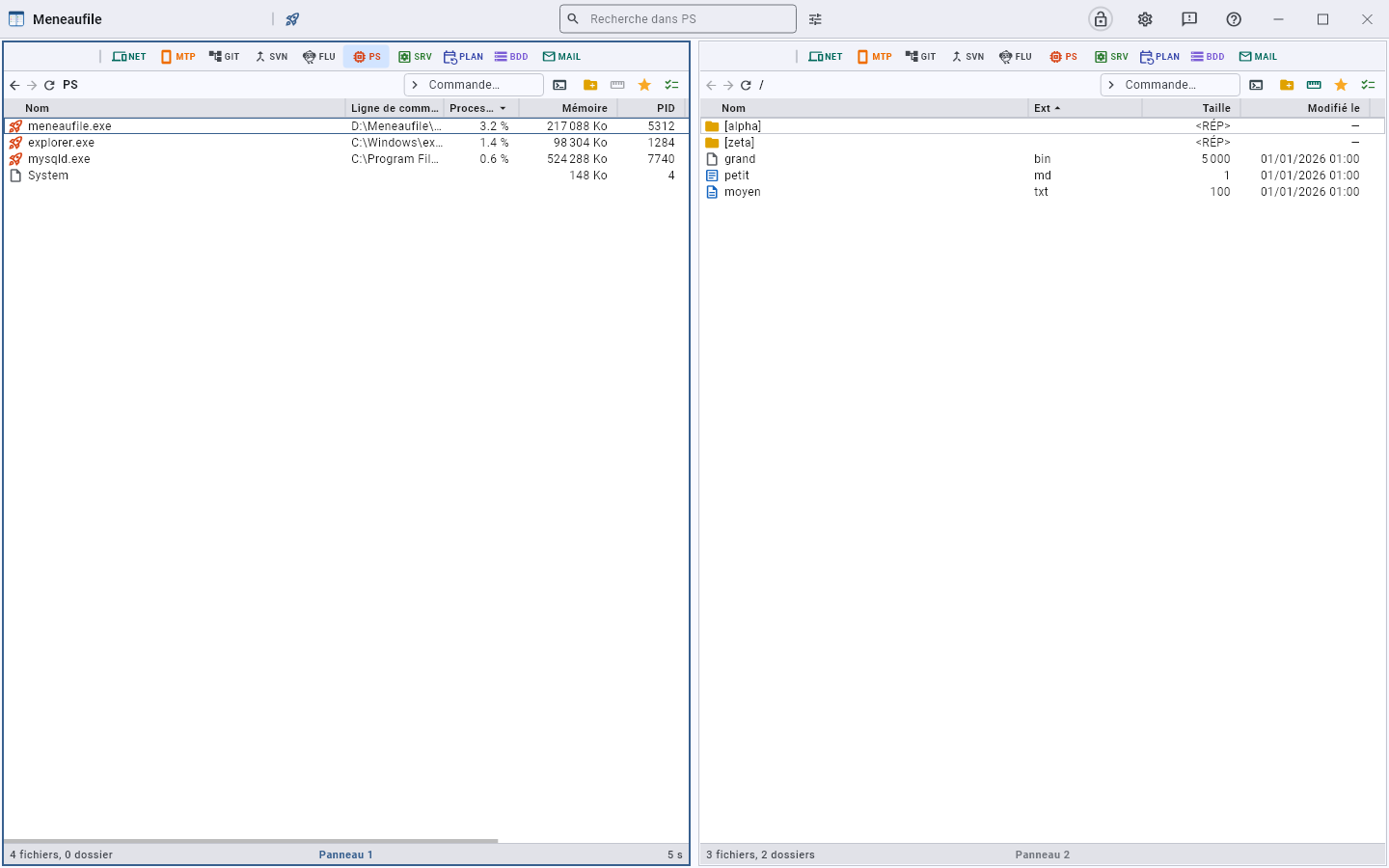
PS The process list, sampled at an adjustable rate.
Read
The columns show the memory, the user, the command line.
Search
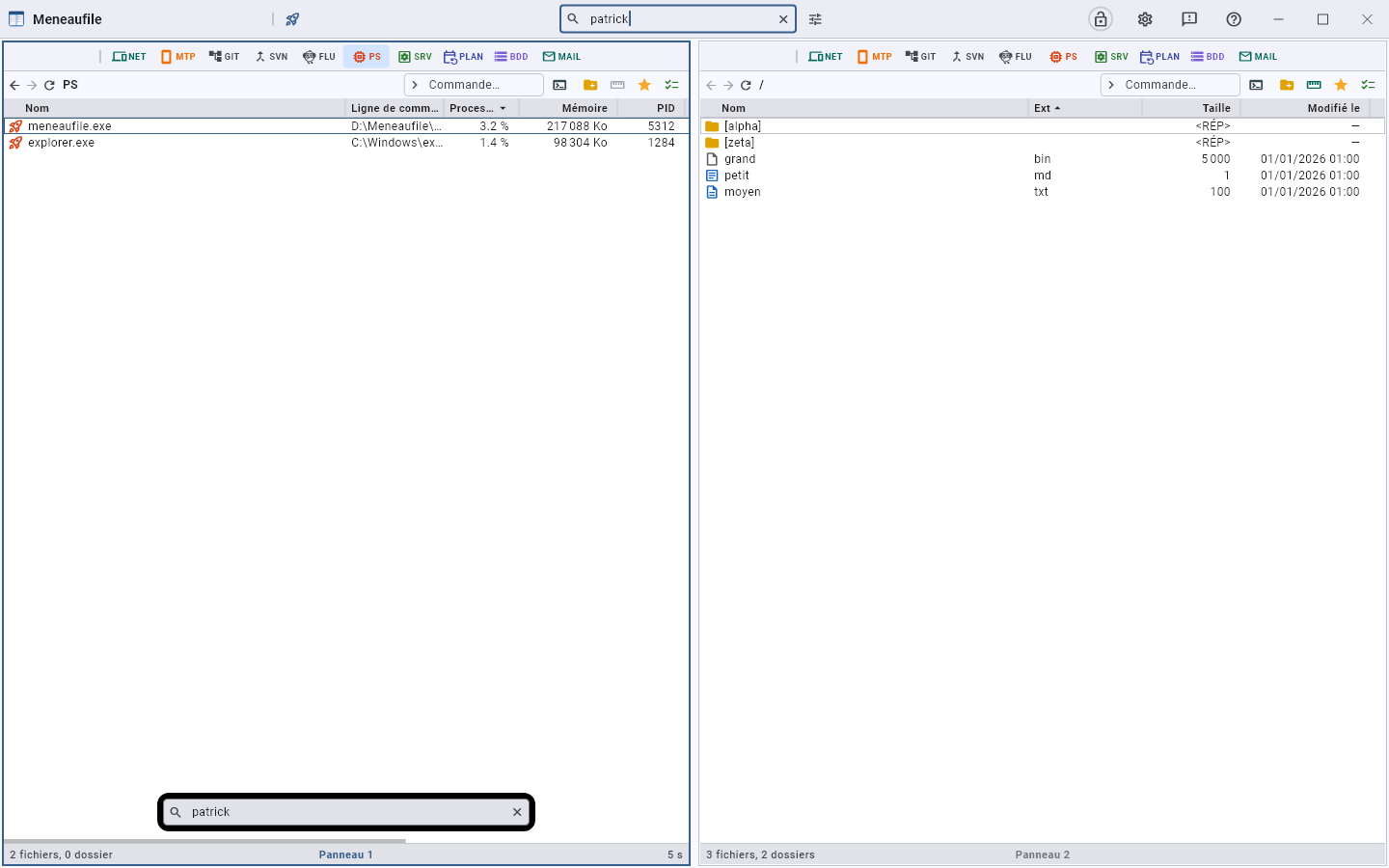
The title bar field — “Search in PS” — filters the list on everything you read in it: the name, but also the command line and the user. Enter launches; the list keeps refreshing at its rate while the filter is displayed, and the field’s cross gives back the whole list.
The performance graph
Right-clicking the PS button opens the Performance graph — and the list with it: a curve without the list before your eyes would say that something is happening without saying what.
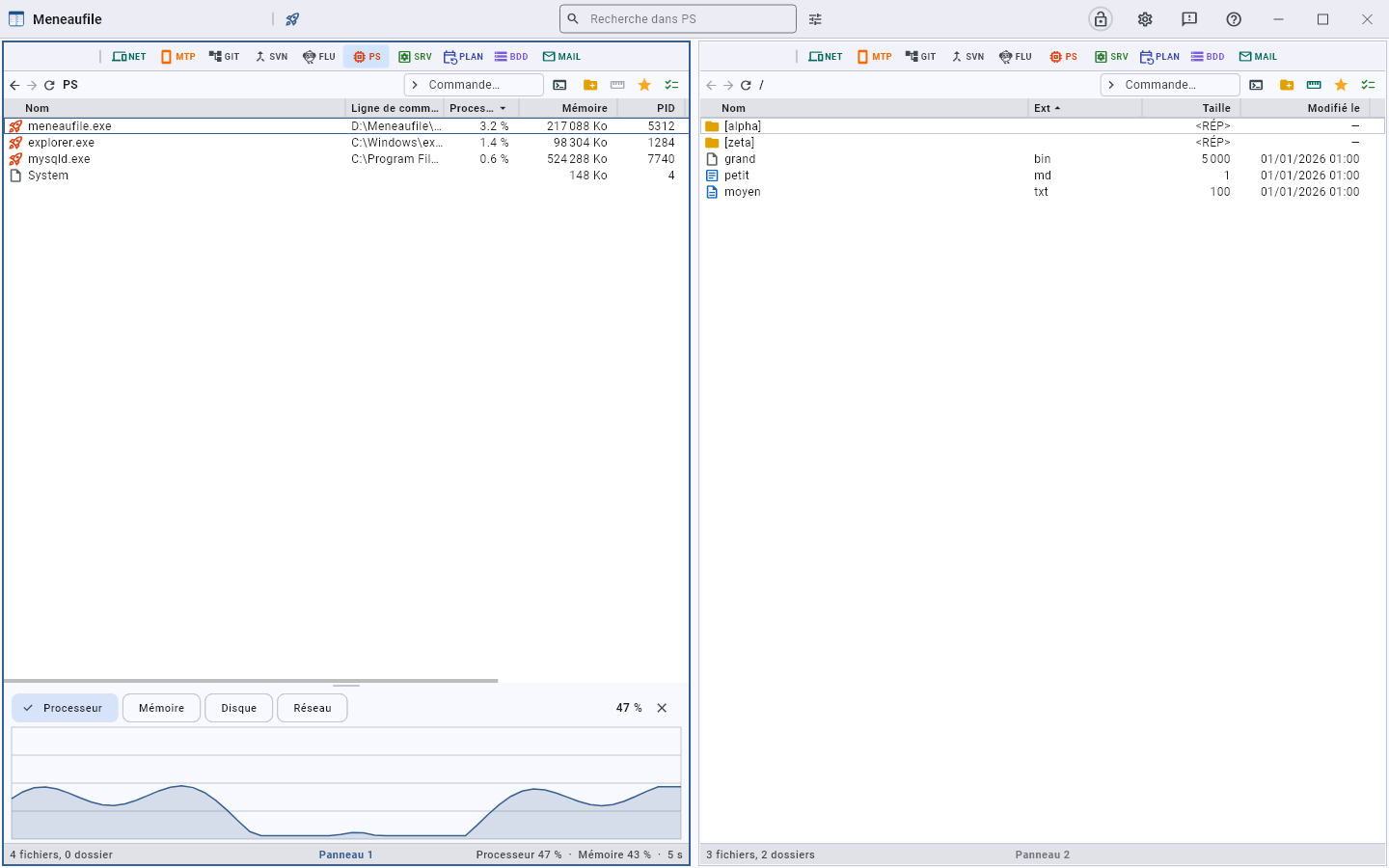
One curve at a time, chosen with the buttons at the top: processor, memory, disk, network. One per disk and one per card, like the Task Manager — a total would have said nothing, a saturated disk and another at rest making fifty percent between them. The value of the last reading is read on the right, and the cross closes it.
The graph keeps the last sixty readings. You drag the line that separates it from the list to enlarge it, and this height is remembered from one session to the next. Closed at the start: a graph costs a reading per interval, and nobody asked for it when opening the list.
The sampling rate
At the bottom right of the view, the machine’s load: Processor 47% · Memory 43% · 5 s. The last number is the rate, and right-clicking it changes it — 5, 10, 15, 30 or 60 seconds. The current rate appears in bold, and the choice is remembered.
That is where it is set, and nowhere else: you read it while watching the load, and it is while watching it that you want to tighten it. It left the settings for this reason — two places for the same thing end up contradicting each other.
Act
- Set priority.
- Copy command line.
- Open the location of the executable — an unreadable file says so.
- End process: it asks for nothing, and whatever is unsaved is lost. The dialog reminds you, and counts how many processes go.
See all processes
Without administrator rights, the list is partial. “Restart as administrator” relaunches Meneaufile elevated — the current window closes. A refusal is reported, and the list stays partial rather than pretending to be complete.
“Open the Windows Task Manager” remains within reach: Meneaufile does not claim to replace it.
Meneaufile manual, in English.