 English
 বাংলা
বাংলা Čeština
 Dansk
Dansk Deutsch
 Español
 Français
 हिन्दी
 Magyar
 Bahasa Indonesia
 Italiano
 日本語
日本語 한국어
한국어 Norsk bokmål
 Nederlands
 Polski
 Português
 Română
 Русский
 Slovenčina
 Slovenščina
 Svenska
 Türkçe
 Tiếng Việt
 中文
中文The settings
The title bar gear opens the settings. They are arranged in sections: appearance, panels, file listing, quick access bar, tools, vault, location.
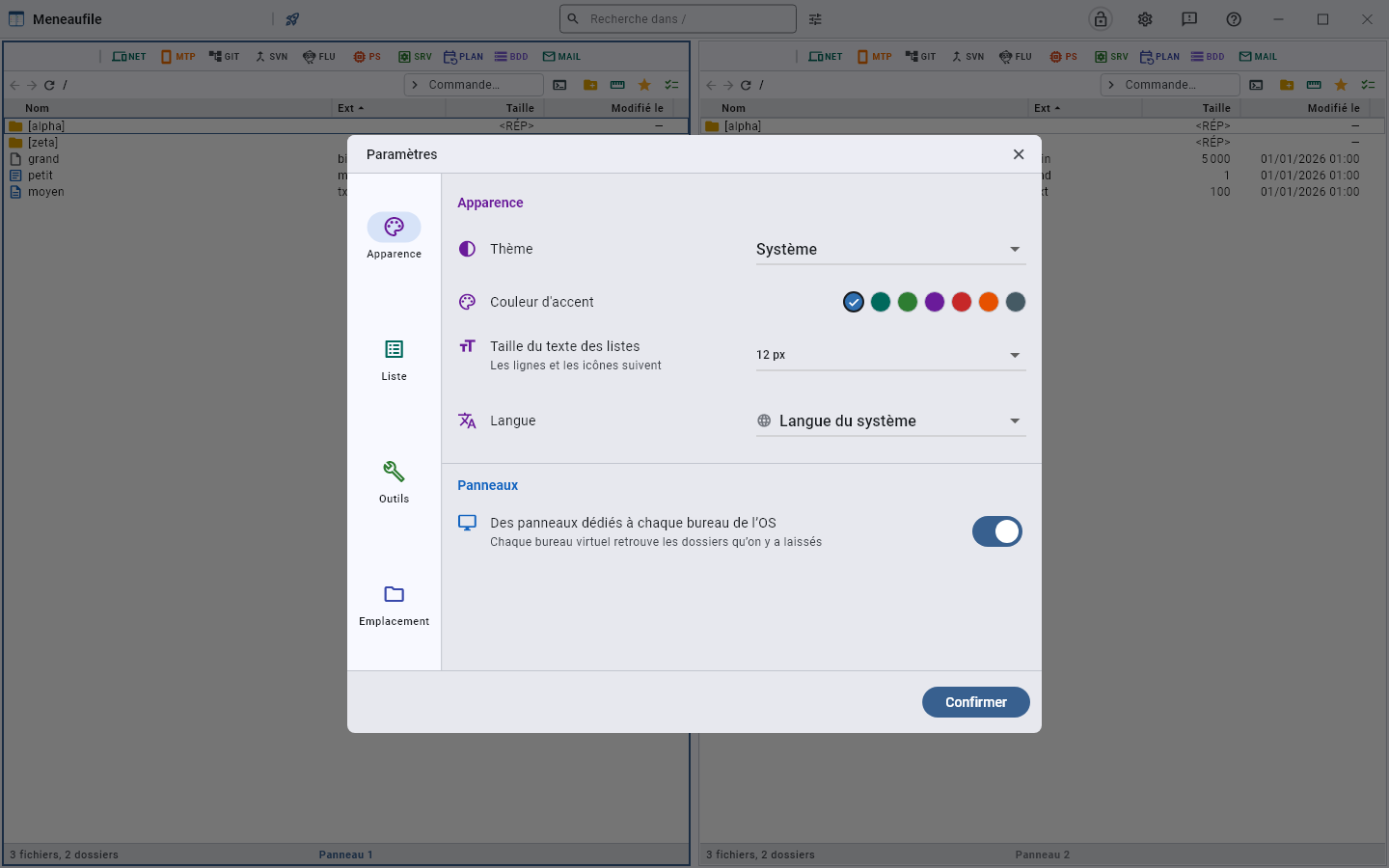
What is not there
What is set while working: the column order is arranged in “Choose the columns”, that of the modules in their drawer, the width of the groups at their handles. A setting you can make right where you see it has no business in a dialog.
- The panel layout is chosen by right-clicking a panel’s number, and with Alt+1 to Alt+0 — see panels.
- The sampling rate of the PS module is changed by right-clicking the machine’s load, at the foot of its view.
- The eject after a copy is ticked in the copy dialog, when the destination is a removable medium.
The theme
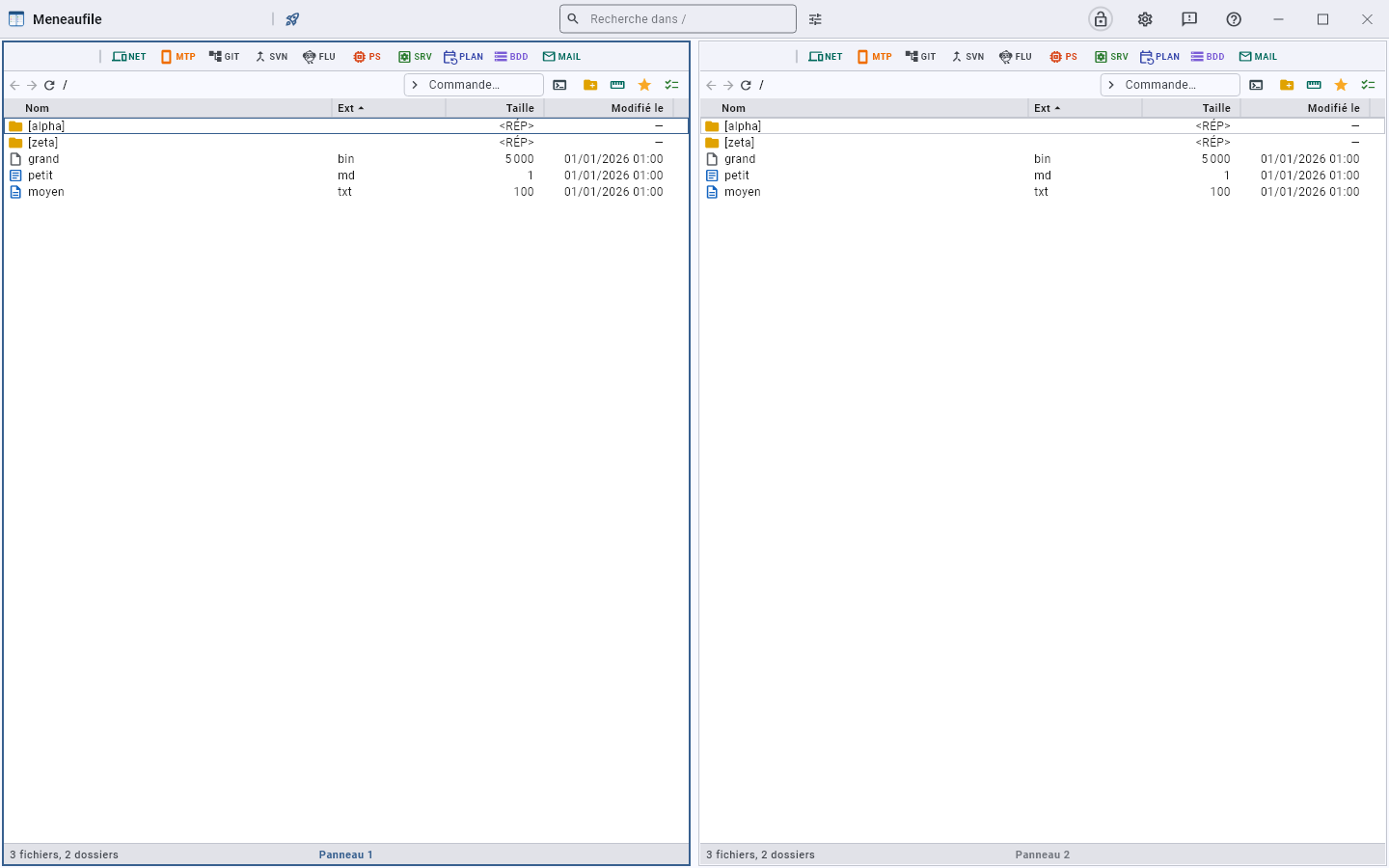
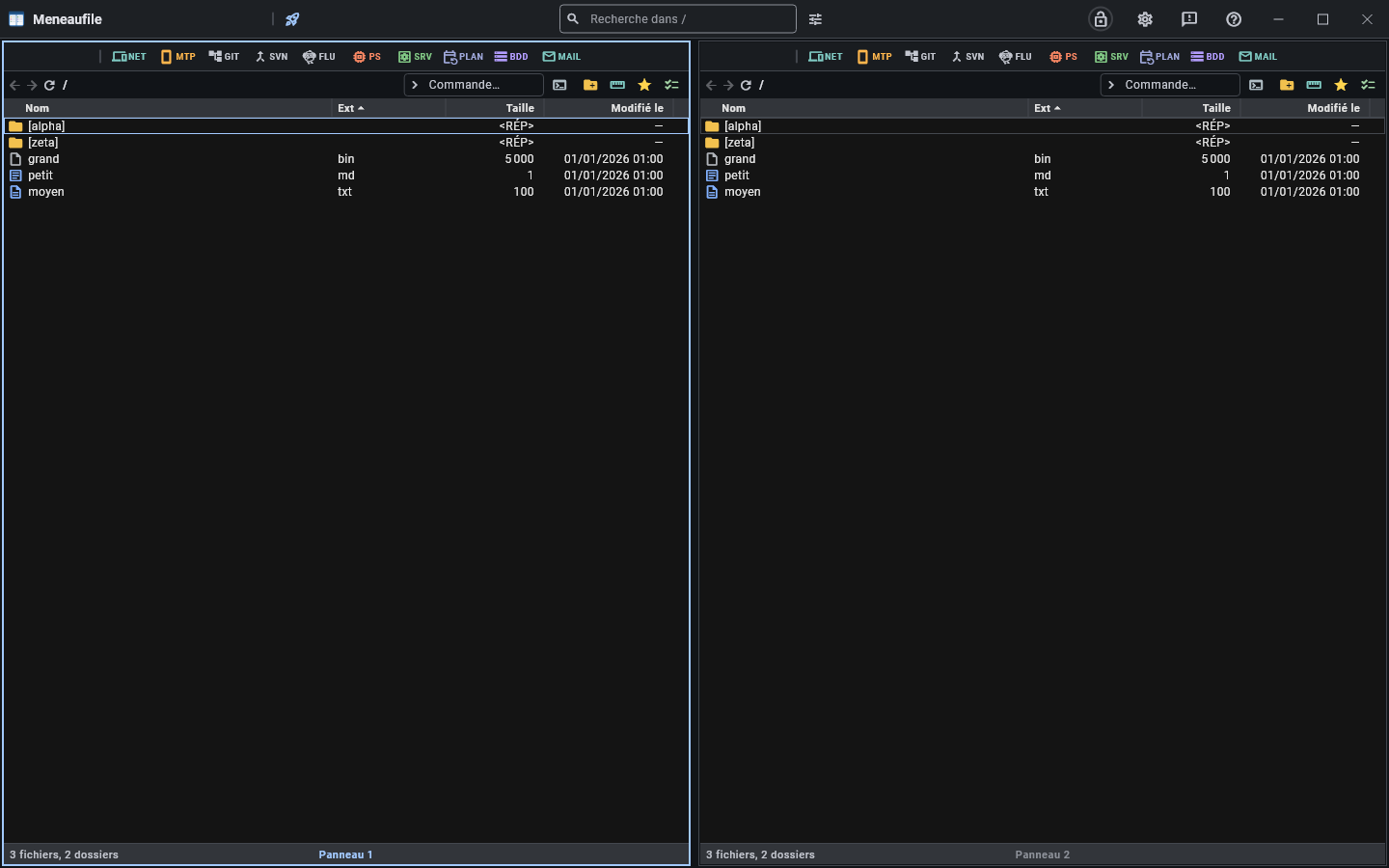
Three choices: System, Light, Dark. “System” follows the machine’s setting, and changes with it without a restart.
The accent colour
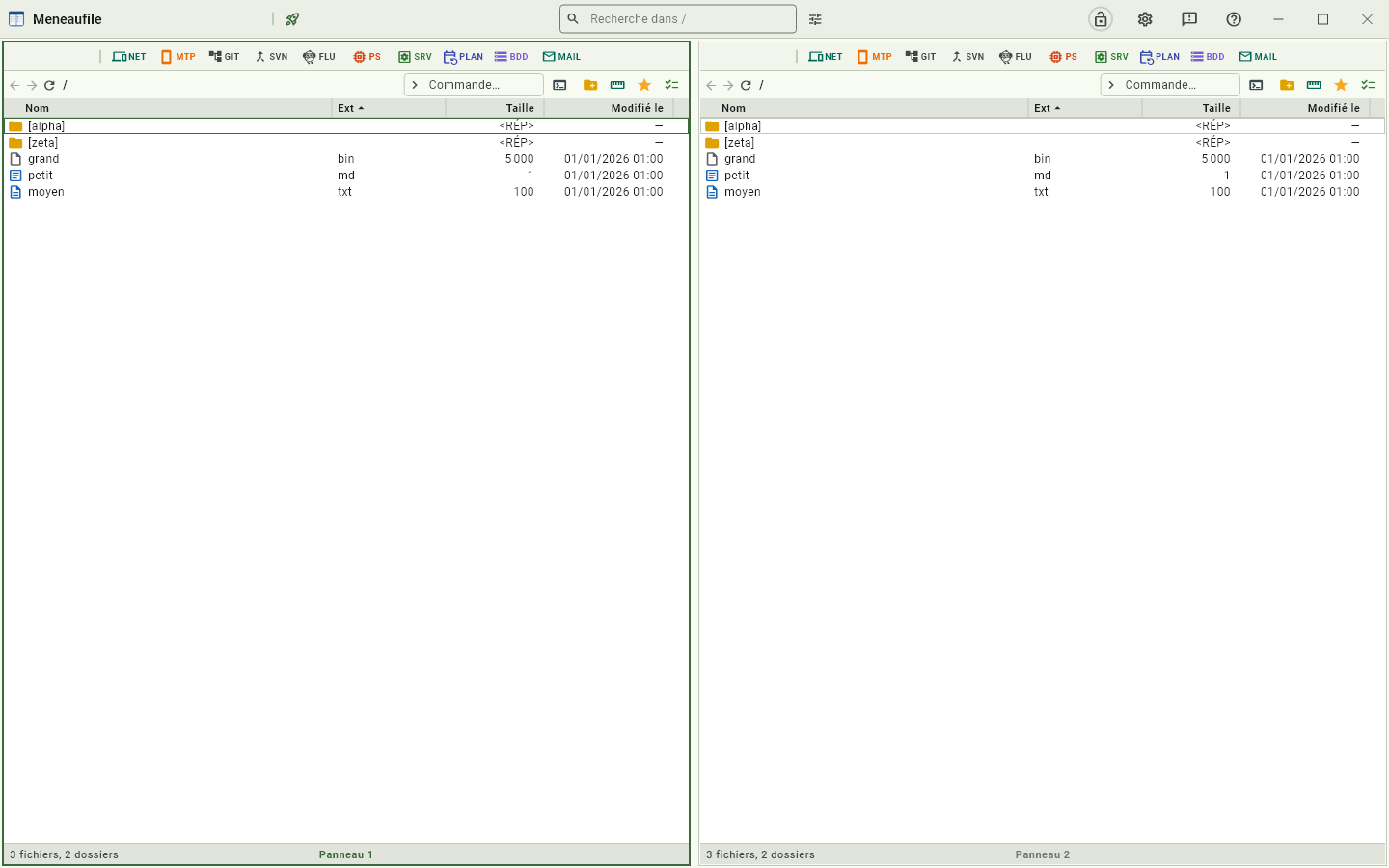
Seven tints, the original first. The whole colour scheme is derived from this seed: the buttons, the outlines, the selection, the cursor.
| Tint | Preview |
|---|---|
| Blue (original) | |
| Teal | |
| Green | |
| Violet | |
| Red | |
| Orange | |
| Slate |
A short list, and not a colour picker: a tint picked at random gives contrasts nobody has tried — a bright yellow accent makes the button text unreadable. These are dark enough to carry white in the light theme, and bright enough to stand out in the dark one.
What the accent does not tint
The background of a dense list stays plain white in the light theme. Material normally tints its whole palette with the chosen colour; over hundreds of rows, that coloured veil tires the eye and muddles the tints of file types, which are the ones that carry meaning.
The language
Twenty-five languages, plus “System language”. The interface changes without a restart.
The list
- List text size: rows and icons follow.
- The columns, their order and their width — set in the list itself, and saved for this folder, for similar lists, or for all.
The tools
- Text editor: the one F4 opens. “The first one found”, or a chosen program — the
%1placeholder stands for the file; without it, the file is appended at the end. - Run the queue all at once: long actions all start as soon as they arrive, instead of waiting their turn. See the queue.
- Messages per batch: how many messages a mailbox downloads at once, the rest arriving when you scroll to the bottom. See MAIL.
The vault
How long the vault stays open: until closing, or a few minutes. After that delay, the master password is asked again.
The configuration location
Portable mode: the configuration normally lives next to the user’s profile. A marker placed next to the executable makes it live there, and the app then leaves no trace on the machine — key files included, and this manual with them.
Meneaufile manual, in English.